
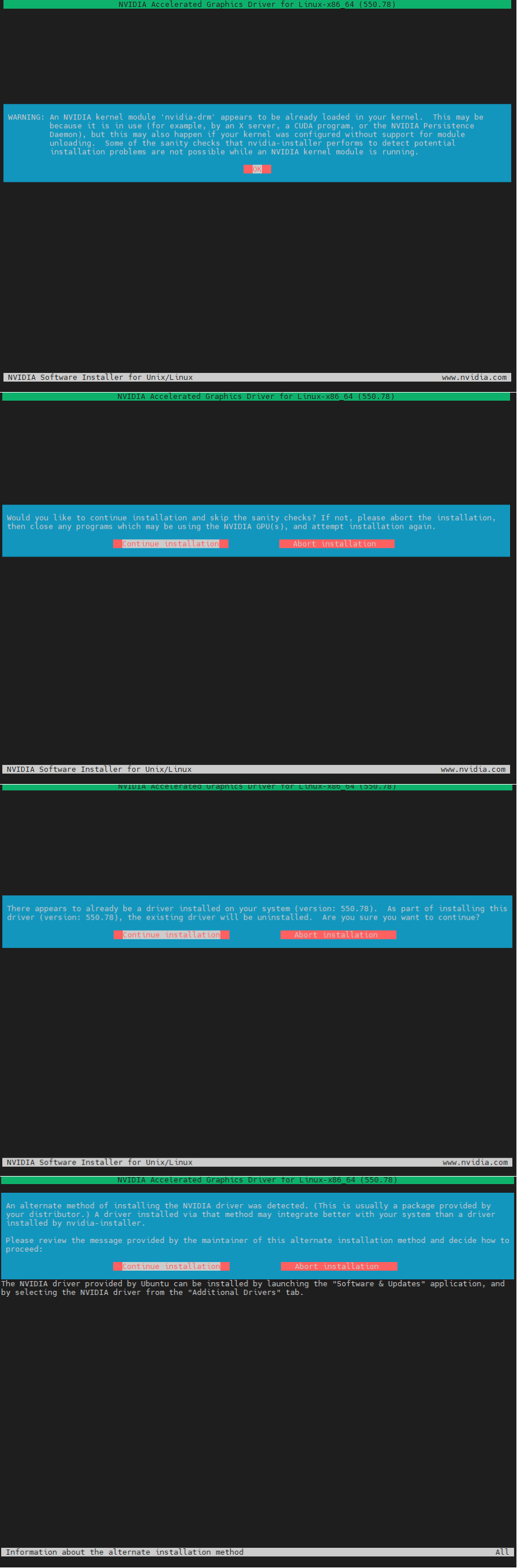
sudo apt-get install gcc sudo apt-get install make sudo apt install vim查看显卡型号
lsb_release -a No LSB modules are available. Distributor ID: Ubuntu Description: Ubuntu 18.04.5 LTS Release: 18.04 Codename:迭代PCI ID数据库
update-pciids# lspci | grep -i nvidia 0a:00.0 VGA compatible controller: NVIDIA Corporation GA102 [GeForce RTX 3090] (rev a1) 0a:00.1 Audio device: NVIDIA Corporation Device 1aef (rev a1)2,驱动装配wget https://cn.download.nvidia.cn/XFree86/Linux-x86_64/550.78/NVIDIA-Linux-x86_64-550.78.run# echo $TMPDIR /tmpbash NVIDIA-Linux-x86_64-550.78.run3,禁用nouveau
lsmod | grep nouveau nouveau 1708032 0 mxm_wmi 16384 1 nouveau video 45056 2 asus_wmi,nouveau i2c_algo_bit 16384 1 nouveau ttm 106496 1 nouveau drm_kms_helper 172032 2 nvidia_drm,nouveau drm 401408 5 drm_kms_helper,nvidia_drm,ttm,nouveau wmi 24576 4 asus_wmi,wmi_bmof,mxm_wmi,nouveauvim /etc/modprobe.d/blacklist.conf添加
blacklist nouveau# update-initramfs -u update-initramfs: Generating /boot/initrd.img-4.15.0-118-generic I: The initramfs will attempt to resume from /dev/nvme1n1p3 I: (UUID=204fe6d9-3a1d-4e1c-8110-bca0a46fd38e) I: Set the RESUME variable to override this.reboot4,卸载显卡驱动重新装配dpkg -l | grep -i nvidia apt purge nvidia* -y bash NVIDIA-Linux-x86_64-455.23.04.run
资源库 » Ubuntu 23.10 安装 GeForce RTX 3090教程